
Adobe Audition 2026 for Windows – Professional Audio Editing Software
Original price was: ₹6,999.00.₹399.00Current price is: ₹399.00.
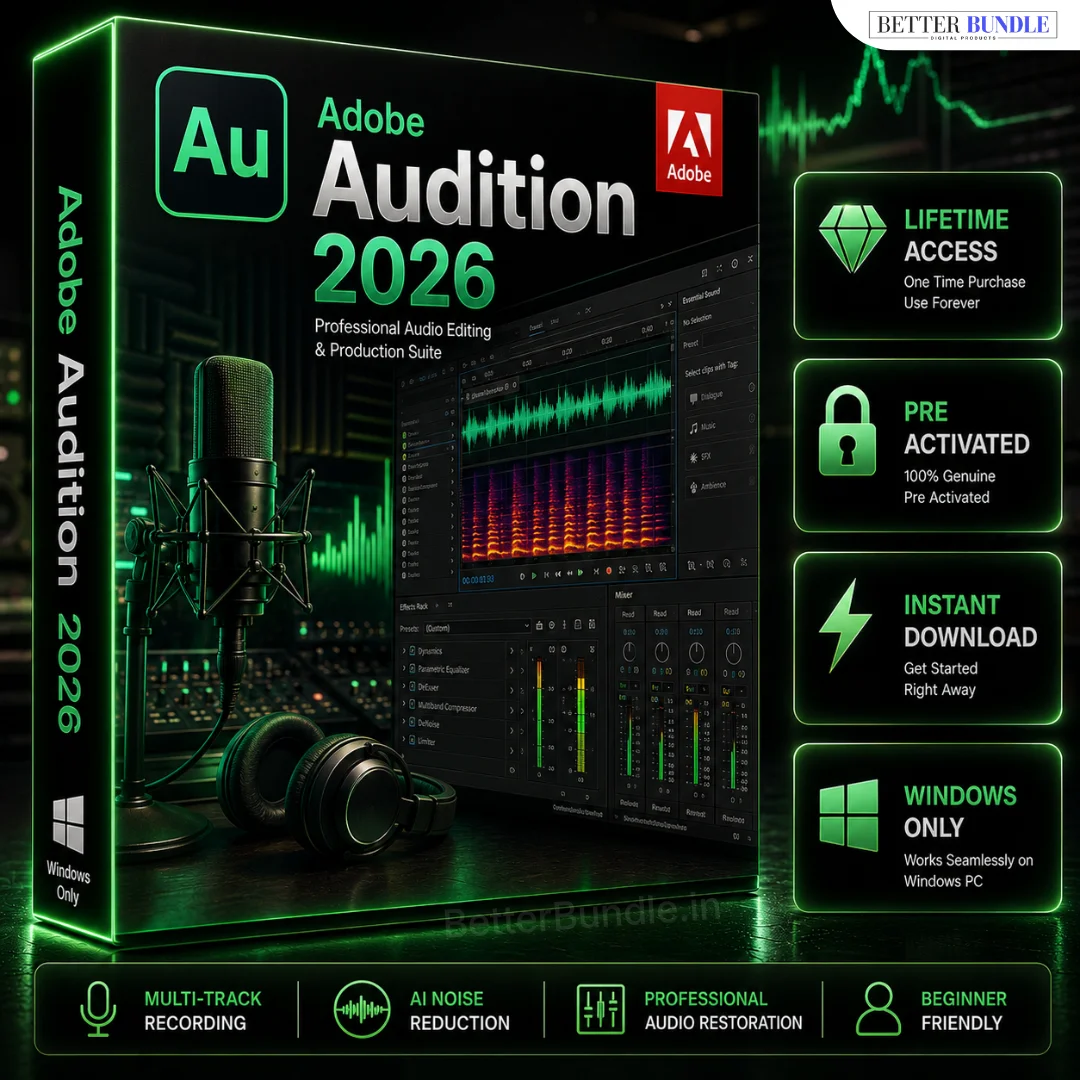
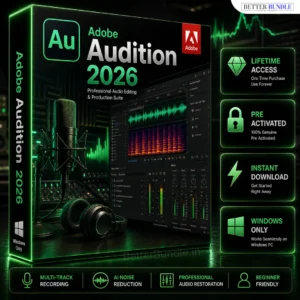
Create, record, edit, mix and enhance professional-quality audio with Adobe Audition 2026 for Windows. Perfect for podcasters, YouTubers, voice-over artists, musicians, video editors and content creators who need powerful audio editing and sound production tools.
✔ Lifetime Access
✔ Instant Digital Delivery
✔ Works on Windows 10 & 11
✔ Professional Audio Recording & Editing Tools
✔ Advanced Mixing, Restoration & Sound Enhancement
✔ Powerful Audio Effects & Sound Production Features
✔ Easy Setup – Beginner Friendly
✔ 100% Secure & Trusted Purchase
✔ Full Installation Support
Get Adobe Audition for PC and create cleaner, polished and professional-sounding audio for your creative projects.
📞 Need help or facing any issue? Our support team is available on WhatsApp: +91 6394927894 for quick and reliable assistance.
Adobe Audition 2026 for Windows – Professional Audio Editing Software
Create, record, edit, mix and enhance high-quality audio with Adobe Audition 2026 for Windows. This professional audio editing solution is designed for creators, podcasters, YouTubers, voice-over artists, musicians, video editors, freelancers and businesses that need better control over their sound.
Whether you are producing a podcast, editing narration, cleaning a voice recording, working on a video soundtrack or creating other digital content, the software provides a dedicated workspace for professional audio production. Its combination of recording, editing, mixing and sound-enhancement tools makes it suitable for both everyday creative projects and more detailed production workflows.
Professional Audio Editing for Windows
Professional audio production involves much more than simply recording a file. You may need to remove unwanted sections, adjust volume levels, improve clarity, combine multiple recordings, add effects and prepare the final audio for publishing.
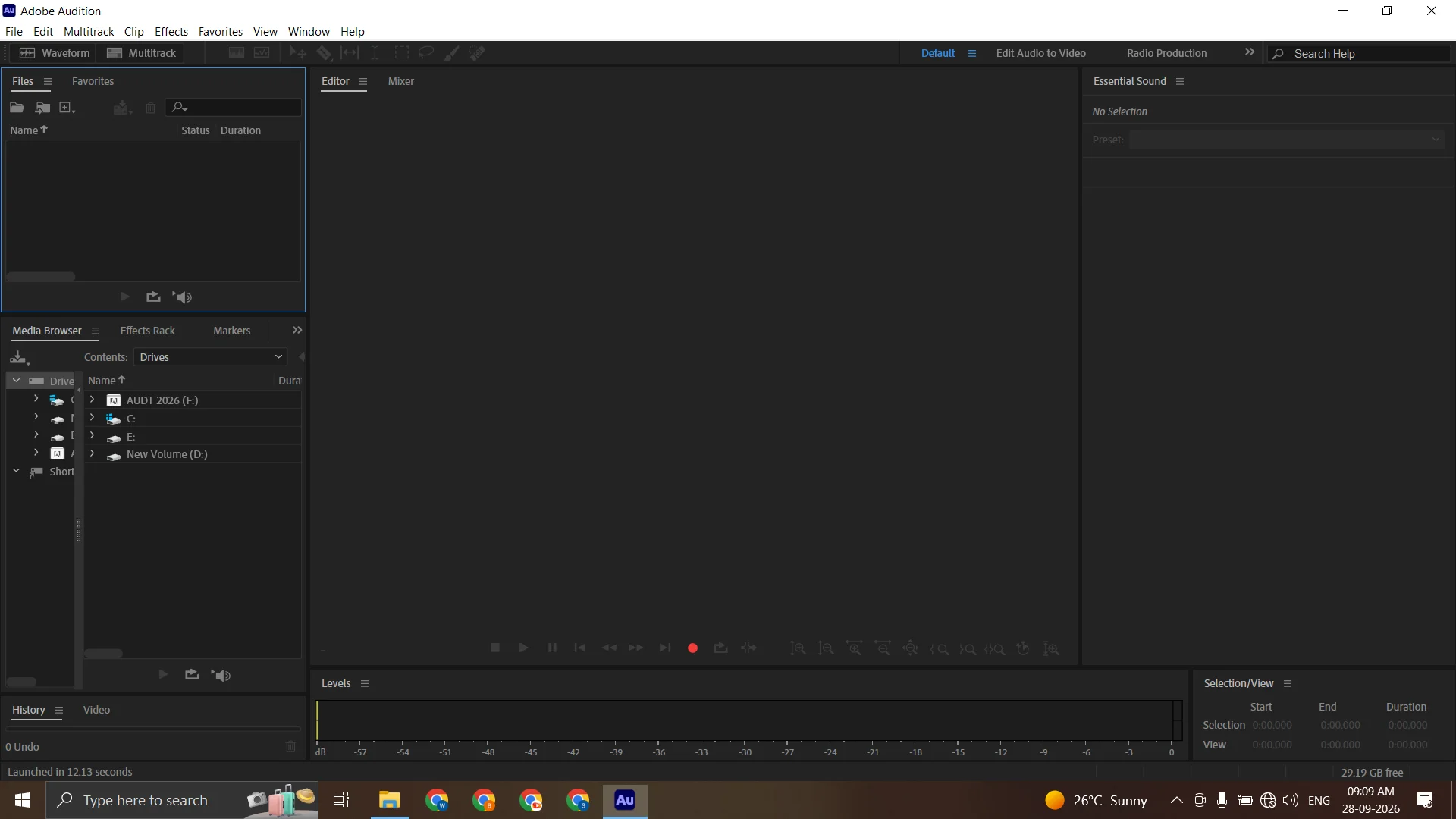
This Windows-based audio editor provides tools for waveform editing, multi-track production, recording, mixing and sound enhancement. You can work with voice recordings, music, interviews, sound effects and other audio assets within one dedicated environment.
For creators who regularly produce videos, podcasts or voice content, having specialized audio editing software can provide greater flexibility than basic recording applications.
Key Features
The software offers a range of tools designed for modern audio-production workflows, including:
- Professional audio recording and editing
- Waveform and clip-based editing
- Multi-track audio production
- Audio mixing and level adjustment
- Voice-over and podcast editing
- Sound effects and audio effects
- Audio cleanup and restoration workflows
- Noise reduction and sound enhancement
- Detailed audio adjustments
- Tools for professional content creation
These capabilities allow you to work on individual recordings as well as more complex projects containing multiple audio elements.
Audio Recording, Mixing & Sound Production
Clear and well-balanced audio can make a significant difference to podcasts, videos, tutorials, advertisements and other digital content.
Podcasters can edit interviews, narration and episode recordings. YouTubers can improve voice-overs and prepare cleaner audio for their videos. Voice-over artists can organize recordings and refine individual takes. Musicians and sound creators can work with multiple tracks, effects and mixing tools as part of their production process.
Video editors can also create a dedicated audio workflow alongside their video projects. For example, Adobe Premiere Pro for PC can handle video editing while specialized audio tools can be used for detailed sound work.
Adobe Audition Price & Purchase Information
If you are researching Adobe Audition price, cost or subscription-related information, consider the type of projects you plan to create and the features required for your workflow.
A professional audio solution can be particularly useful if you regularly work with podcasts, voice-overs, YouTube videos, interviews, music, advertisements or other content where sound quality matters.
BetterBundle also offers creative software that can complement your production workflow. For graphic design, illustration and visual content, you can explore Adobe Illustrator for Windows and other related creative solutions.
Adobe Audition Download for Windows PC
If you are searching for Adobe Audition download, professional audio software for PC or a Windows audio editor, always check compatibility and system requirements before installation.
Once your purchase is completed successfully, the Download Link will be available on the Thank You Page. The link will also remain accessible through My Account → Downloads, so you can return to your purchased product when required.
The product is intended for Windows PC users. Make sure your computer meets the listed requirements before beginning the installation.
Who Should Use This Software?
This audio-production solution can be useful for:
- YouTubers and content creators
- Podcasters
- Voice-over artists
- Musicians
- Video editors
- Freelancers
- Audio editors
- Students learning audio production
- Businesses producing digital content
- Creators working with narration and sound
From short-form videos to longer podcast episodes, the tools can support different types of recording and editing workflows.
How It Works
Purchasing and downloading your product is simple:
- Add to Cart or click Buy Now.
- Go to Checkout and enter your required details.
- Complete your payment securely.
- After successful payment, your Download Link will be available on the Thank You Page.
- Your download link will also remain available in My Account → Downloads.
- Need help with installation? Contact us on WhatsApp.
Simple Process:
Buy → Pay → Download → Install & Use
System Requirements
Before installation, make sure your Windows computer has suitable hardware, storage and display capabilities.
Minimum Requirements
- Windows 10 or Windows 11, 64-bit
- Intel or AMD multi-core processor
- 8 GB RAM
- Sufficient free storage space
- Compatible graphics hardware
- 1024 × 768 display resolution or higher
- Internet connection for activation and applicable online features
Recommended Requirements
- Windows 10 or Windows 11, 64-bit
- Intel Core i5 / AMD Ryzen 5 or better
- 16 GB RAM or more
- SSD storage
- Modern compatible graphics hardware
- 1920 × 1080 display or higher
- Stable high-speed internet connection
For larger multi-track projects, additional RAM and faster SSD storage can provide a smoother working experience.
Build a Complete Creative Workflow
Audio is often only one part of a complete content-production process. If your projects also involve graphics, video editing or visual design, specialized applications can be combined to create a more efficient workflow.
For image editing and creative graphics, you can explore Adobe Photoshop Download for PC. For vector artwork, logos and illustrations, Adobe Illustrator for Windows can complement your creative setup.
Using dedicated tools for different production stages can help you manage audio, video and graphics according to the requirements of each project.
Why Choose Professional Audio Software?
Basic recording applications can work for simple tasks, but more demanding projects often require greater control over editing, mixing, effects and sound enhancement.
A dedicated professional workspace gives creators more flexibility when working with voice recordings, interviews, podcasts, music, sound effects and video audio. It can therefore become an important part of a content-production workflow where sound quality and editing control are important.
If you need professional audio recording software, sound editing tools and production features on a Windows PC, this solution provides a comprehensive environment for your creative projects.
Frequently Asked Questions
What is this software used for?
It is designed for audio recording, editing, mixing, sound enhancement, voice-over production, podcast editing and other professional audio tasks.
Is it available for Windows PC?
Yes. This product is intended for Windows PC users. Check the system requirements before installation.
How can I access the download?
After successful payment, the Download Link appears on the Thank You Page. It is also available later through My Account → Downloads.
Is it suitable for beginners?
Yes. Beginners can start with basic recording and editing tools and gradually learn more advanced production techniques.
Can it be used for podcasts and YouTube videos?
Yes. The software can be used for narration, podcast editing, interviews, voice-overs, sound enhancement and other content-creation projects.
Do you provide installation support?
If you need help during installation or encounter an issue with setup, you can contact the BetterBundle support team through WhatsApp.
Get Adobe Audition 2026 for Windows
If you need a professional environment for recording, editing, mixing and enhancing audio, Adobe Audition 2026 for Windows can support a wide range of creative workflows.
Check the product details and system requirements, complete your purchase, access your download link and start working on your audio projects.




Reviews
There are no reviews yet.