

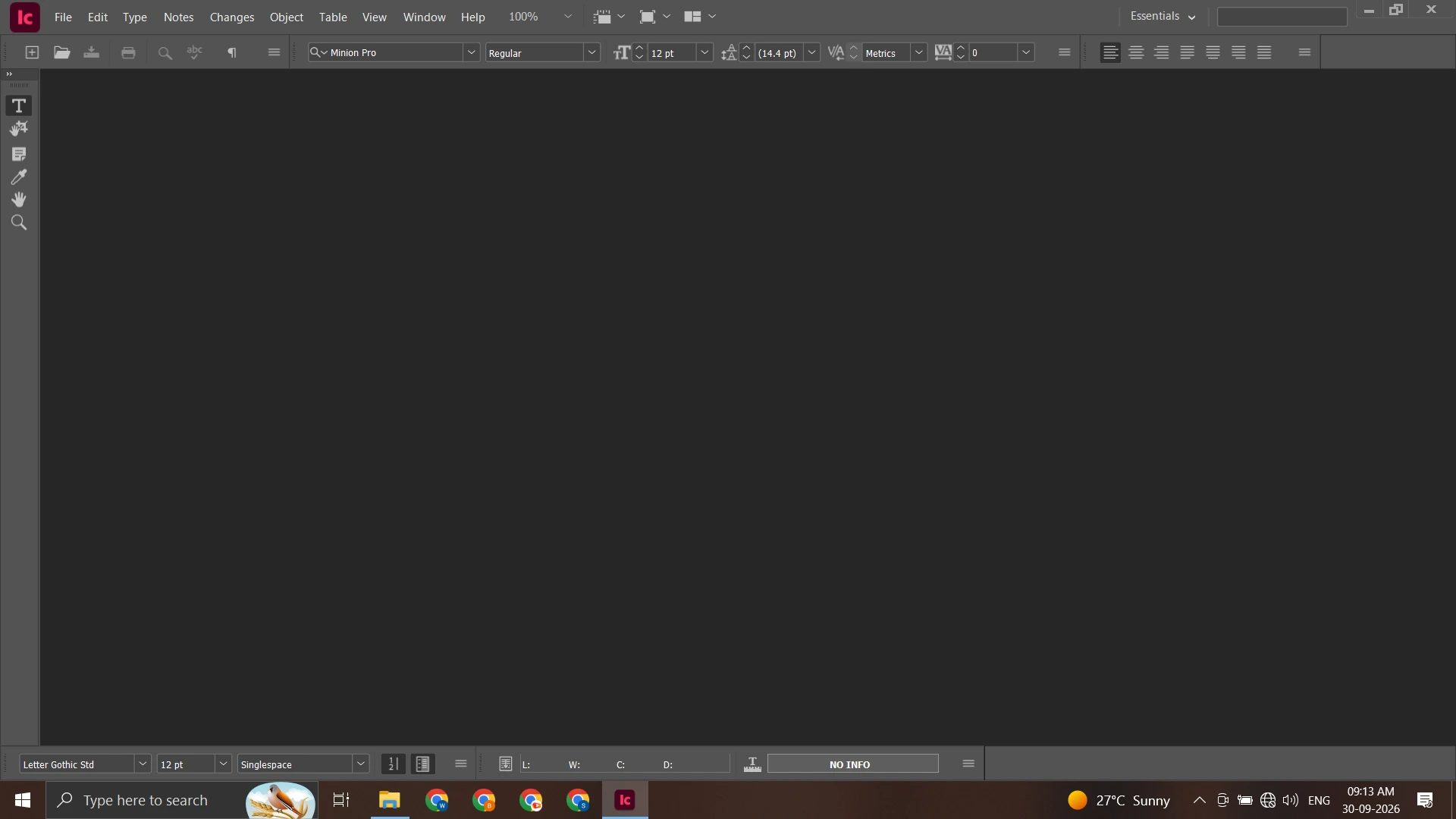
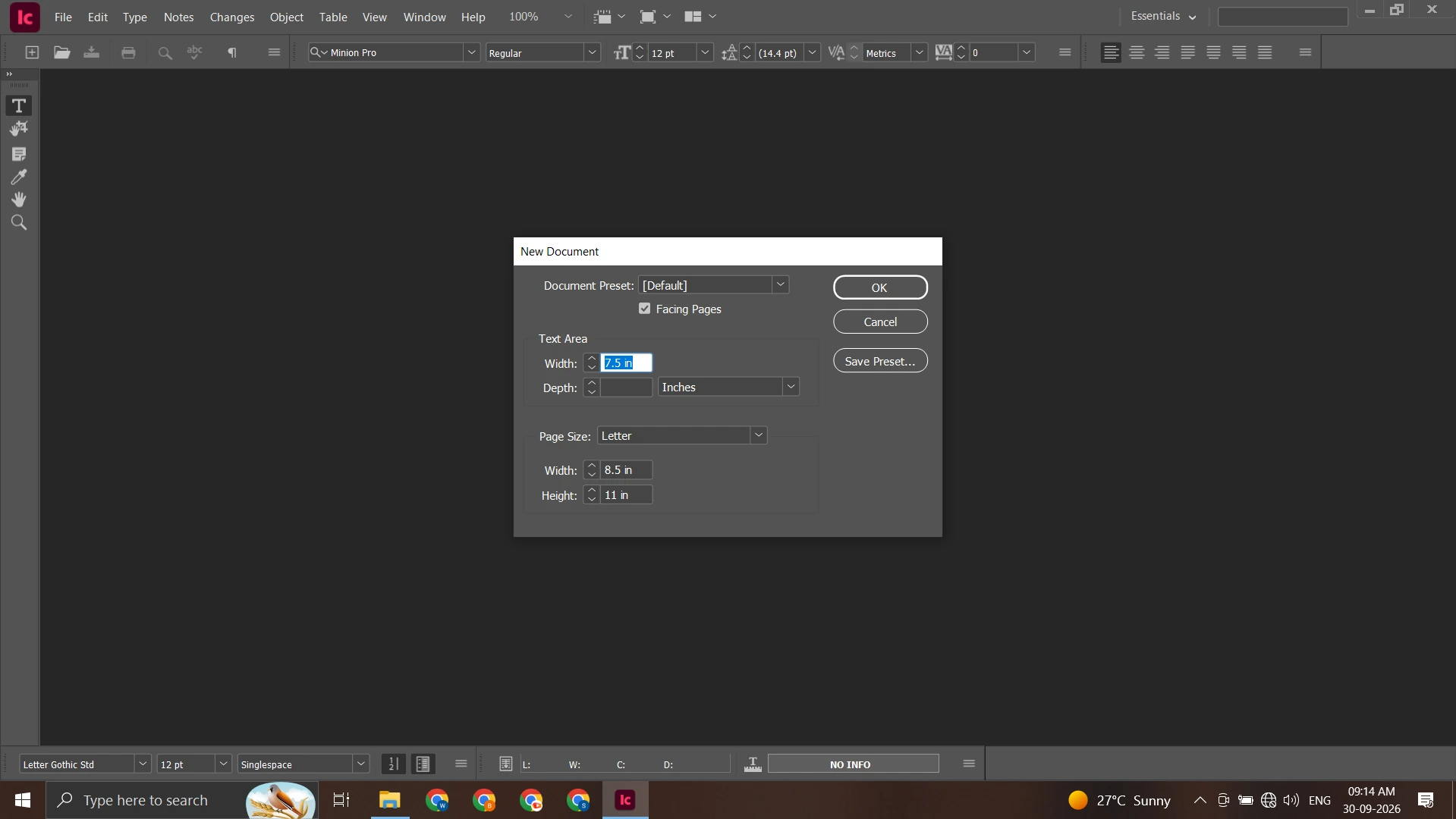




Adobe InCopy 2026 – Professional Editorial & Content Writing Software
Original price was: ₹5,999.00.₹349.00Current price is: ₹349.00.
Create, edit and refine professional editorial content with Adobe InCopy 2026, a dedicated writing and editing solution designed for writers, editors, journalists, publishers and content teams.
✔ Lifetime Access
✔ Instant Download
✔ Works on Windows 10 & 11
✔ Easy Setup – Beginner Friendly
✔ 100% Secure & Trusted Purchase
✔ Professional Editorial Writing & Editing Tools
✔ Work with Text, Stories & Long-Form Content
✔ Designed for Publishing & Editorial Workflows
✔ Full Installation Video
Get Adobe InCopy and streamline your writing, editing and publishing workflow with professional creative tools.
📞 Need help or facing any issue? Our support team is available on WhatsApp: +91 6394927894 for quick and reliable assistance.
Adobe InCopy 2026 – Professional Editorial & Content Writing Software
Create, edit and refine professional content with Adobe InCopy 2026, a dedicated editorial and writing solution designed for writers, editors, journalists, publishers and content teams. It provides a focused environment for working with text, stories and editorial content while fitting naturally into professional publishing workflows.
Whether you are preparing articles, editing long-form content, reviewing copy or working with a publishing team, this software can help make the writing and editing process more organized. Its connection with the broader Adobe creative ecosystem also makes it useful for workflows where written content needs to work alongside professional page layouts.
What Is Adobe InCopy?
Adobe InCopy is professional editorial software created for writing, editing and managing text content within publishing workflows. Unlike general-purpose word processors, it is designed with editorial production in mind and can work alongside Adobe InDesign-based layouts.
Writers and editors can focus on the content while designers manage page layouts and visual elements. This separation can make collaborative publishing projects easier to organize, particularly when multiple people are working on the same publication.
For users working with complete page-layout projects, Adobe InDesign for PC can complement the editorial workflow.
Key Features of Adobe InCopy
Professional Writing and Editing
Work with articles, stories, headlines, captions and other forms of editorial content in a dedicated writing environment. The software is suitable for both short-form and long-form content.
Editorial Workflow
Organize and refine written material as part of a larger publishing process. Editors can concentrate on text while designers handle the visual layout of the publication.
Text and Story Editing
Make changes to written content, review copy and refine text before final publication. This makes the application useful for editorial teams that need a focused environment for content preparation.
Publishing Collaboration
A publishing project often involves writers, editors and designers. Adobe InCopy is designed to support this type of workflow by allowing editorial work to fit into a professional page-layout process.
Adobe Creative Workflow
The application can become part of a wider Adobe workflow. Users working on graphic design, page layouts or video content can combine their tools according to their project requirements.
For vector artwork and graphic design, you can also explore Adobe Illustrator for Windows.
Adobe InCopy and InDesign Workflow
One of the important use cases is the relationship between editorial content and page layout.
Writers and editors can concentrate on text while designers work on the visual presentation of the publication. This separation can help teams manage articles, stories, headlines and other editorial elements without requiring every contributor to work directly inside the complete design layout.
For publishers, magazines, newspapers and other content-driven projects, an editorial workflow can make collaboration more structured.
If your work also involves video content, Adobe Premiere Pro for PC can be used as part of a broader creative workflow.
Who Should Use Adobe InCopy?
This software can be useful for different types of professional and creative users.
Writers: Prepare and refine articles, stories and other written content.
Editors: Review, revise and manage editorial copy.
Journalists: Work with news articles and publication content.
Publishers: Manage written material as part of a publishing workflow.
Content Teams: Collaborate on editorial content while designers handle visual layouts.
Students: Learn professional editorial and publishing workflows.
Freelancers: Handle writing and editing projects for clients and publications.
Adobe InCopy Download & Purchase Information
If you are searching for Adobe InCopy download options, the purchase process on BetterBundle is designed to provide digital access after successful payment.
Once your order is completed, the Download Link appears on the Thank You Page. You can also access the download later through My Account → Downloads.
This digital delivery process eliminates the need for physical media and allows you to access your purchased product information online.
If you need assistance with installation or setup, WhatsApp support is available to help with the process.
Adobe InCopy Price & Cost
Before purchasing professional editorial software, users often compare Adobe InCopy price, cost and available features. Your requirements should be the main consideration when selecting software for a writing or publishing workflow.
Instead of choosing based only on price, consider the type of content you create, whether you collaborate with designers and editors, and whether your workflow involves professional publishing projects.
Review the product information and system requirements before completing your purchase to ensure that it is suitable for your computer and workflow.
How It Works
Getting started is simple:
1. Add to Cart or Buy Now
Select the product and proceed to checkout.
2. Enter Your Details
Fill in the required information on the checkout page.
3. Complete Payment
Finish your payment using the available secure payment options.
4. Get Your Download Link
After successful payment, your Download Link appears on the Thank You Page.
5. Access It from Your Account
The download link is also available under My Account → Downloads.
6. Install and Start Working
Download the required files, follow the installation instructions and begin your editorial workflow.
Buy → Pay → Download → Install & Use
If you face any issue during setup, contact the support team through WhatsApp for assistance.
System Requirements
Before installing Adobe InCopy 2026, make sure your computer meets the applicable requirements for a smooth writing and editing experience.
Minimum Requirements
- Operating System: Compatible Windows 10/11 64-bit or supported macOS system
- Processor: Modern Intel or AMD multi-core processor
- RAM: 8 GB or more
- Storage: Sufficient free storage for the application and project files
- Display: 1024 × 768 resolution or higher
- Graphics: Compatible graphics hardware
Recommended Requirements
- Operating System: Updated supported Windows or macOS system
- Processor: Intel Core i5 / AMD Ryzen 5 or equivalent
- RAM: 16 GB or more
- Storage: SSD with sufficient free space
- Display: 1920 × 1080 or higher
- Internet: Stable internet connection
Note: Requirements can vary depending on the software version, operating system and project workflow. Check the applicable requirements before installation.
Why Use Professional Editorial Software?
Writing and editing for professional publications often involves more than simply creating a text document. Content may need to move through several stages, including writing, editing, review, layout and final publication.
A dedicated editorial workflow can help separate content responsibilities and make collaboration easier. Writers can concentrate on their copy, editors can refine the content and designers can focus on the visual presentation.
This approach can be particularly useful for publications where written content and page design need to work together.
Build a Complete Adobe Creative Workflow
Professional creative projects often require multiple applications. Editorial content can be prepared in InCopy, page layouts can be handled with InDesign, vector artwork can be created in Illustrator and video projects can be edited using Premiere Pro.
For example, businesses and creative professionals can combine Adobe InDesign for PC with their editorial workflow when working on magazines, brochures, books and other publications.
For graphic design requirements, Adobe Illustrator for Windows can provide dedicated vector-design capabilities.
Using complementary applications allows each stage of a creative project to be handled with tools suited to that particular task.
Frequently Asked Questions
What is Adobe InCopy used for?
It is primarily used for professional writing, editing and editorial content workflows, particularly when written content needs to work alongside professional page layouts.
Is Adobe InCopy suitable for writers and editors?
Yes. The software is designed specifically around writing and editorial workflows, making it suitable for writers, editors, journalists and publishing teams.
What is the difference between InCopy and InDesign?
InCopy focuses primarily on writing and editing content, while InDesign is designed for page layout and visual publication design. They can work together in publishing workflows.
How do I access my download after purchase?
After successful payment, the download link appears on the Thank You Page and is also available under My Account → Downloads.
Can beginners use Adobe InCopy?
Yes. Users who are new to professional editorial software can learn the interface and gradually build their writing and editing workflow.
Do you provide installation support?
Yes. If you need help with installation or setup, you can contact the support team through WhatsApp.
Start Your Professional Editorial Workflow
Adobe InCopy 2026 provides a focused environment for writers, editors, journalists, publishers and content teams working on professional editorial projects. From preparing articles and refining stories to collaborating with designers on publication layouts, it can become an important part of a structured content-production workflow.
Review the product details and system requirements, complete your purchase and access your digital download after successful payment.
Buy → Pay → Download → Install & Use










Reviews
There are no reviews yet.