
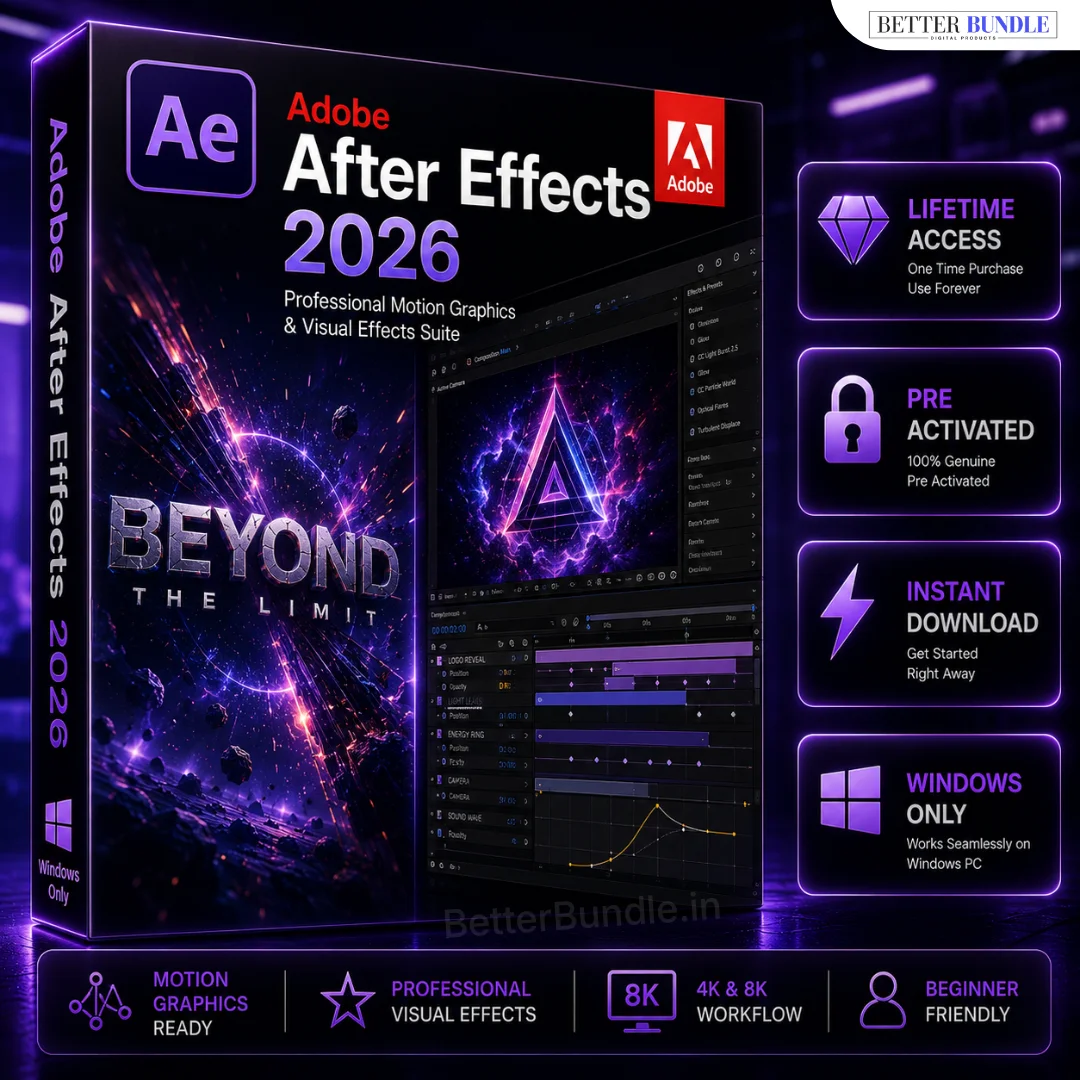

Adobe After Effects for PC – Professional Motion Graphics & Video Editing Software (2026)
Original price was: ₹5,999.00.₹399.00Current price is: ₹399.00.
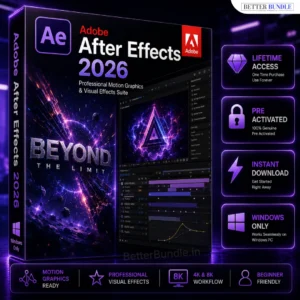
Create stunning motion graphics, cinematic visual effects, animations, and professional video content with Adobe After Effects for PC. A powerful creative solution for video editors, YouTubers, designers, freelancers, and content creators who want to bring their ideas to life with advanced visual effects and animation tools.
✔ Instant Download
✔ Lifetime Access
✔ Works on Windows 10 & 11
✔ 100% Secure & Trusted Purchase
✔ Professional Motion Graphics & VFX Tools
✔ Advanced Animation & Visual Effects
✔ Full Installation Video
📞 Need help or facing any issue? Our support team is available on WhatsApp: +91 6394927894 for quick and reliable assistance.
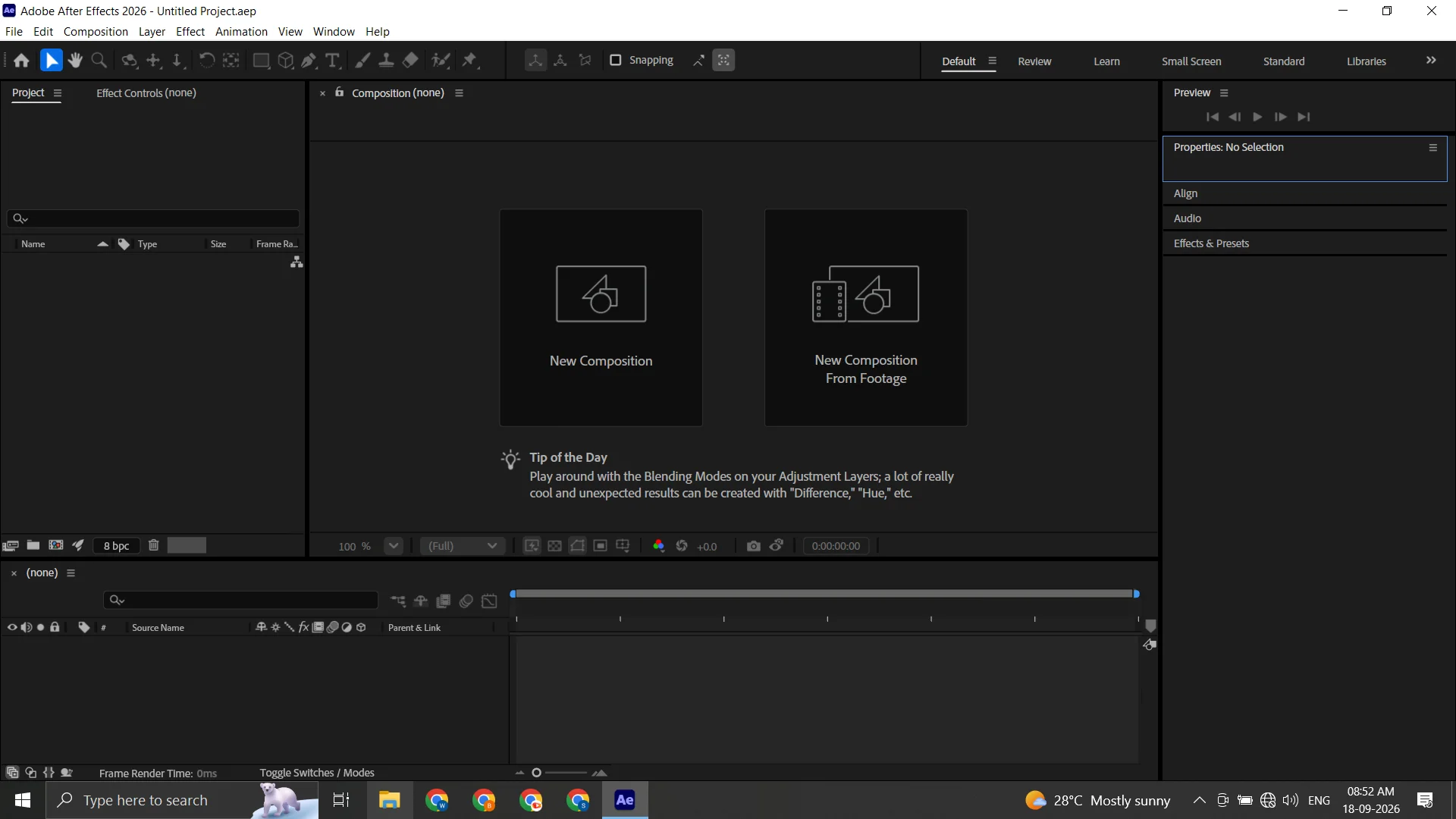
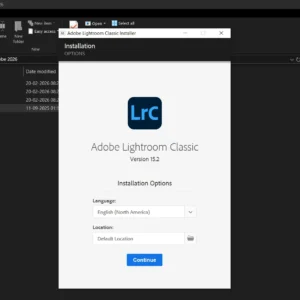
Install Step-By-Step
Adobe After Effects for PC – Professional Motion Graphics & Visual Effects Software
Looking for powerful software for motion graphics, visual effects, animation, and professional video content? Adobe After Effects for PC is a popular choice for creators who want to produce engaging visual content beyond basic video editing. It can be used to create animated titles, cinematic effects, logo animations, motion graphics, transitions, compositing, and creative video effects.
Whether you are a YouTuber, video editor, filmmaker, freelancer, designer, marketer, animator, or content creator, After Effects gives you a flexible environment for creating professional visual projects. From simple text animations to advanced visual compositions, you can use different tools and effects to bring creative ideas to life.
If you are looking for Adobe After Effects for PC with fast digital delivery and customer assistance, Better Bundle provides a convenient purchasing experience along with dedicated WhatsApp support.
Why Choose Adobe After Effects?
Adobe After Effects is designed primarily for motion graphics, visual effects, animation, and compositing. It gives creators detailed control over layers, text, graphics, masks, effects, and animated elements.
You can create professional-looking intros, outros, advertisements, presentations, social media graphics, animated logos, title sequences, and cinematic effects.
Key Benefits
✔ Instant Download
✔ Lifetime Access
✔ Works on Windows 10 & 11
✔ 100% Secure & Trusted Purchase
✔ Professional Motion Graphics & VFX Tools
✔ Advanced Animation & Visual Effects
✔ Creative Compositing Features
✔ Easy Setup – Beginner Friendly
✔ Full Installation Support
Professional Features of Adobe After Effects
Motion Graphics and Animation
Create animated titles, lower thirds, logo reveals, intros, outros, promotional graphics, and social media animations. Keyframe-based animation allows you to control movement, position, scale, rotation, opacity, timing, and other properties.
Visual Effects
Enhance video footage with creative visual effects such as blur, glow, distortion, particles, lighting effects, transitions, and other treatments. These features can help make your videos more engaging and visually impressive.
Advanced Compositing
Combine multiple layers of video, images, graphics, masks, and effects to create complex compositions. Compositing is useful for advertisements, cinematic sequences, music videos, promotional content, and professional client projects.
Text and Title Effects
Design animated typography, cinematic titles, captions, logo animations, and branded text sequences. You can control the movement and appearance of individual text elements to create unique visual experiences.
Masking and Green Screen
Use masks and compositing techniques to isolate subjects, combine different footage, create background effects, and build creative scenes.
Create a Complete Creative Workflow
Professional content creation often requires different tools for different tasks. When you need to prepare photographs, thumbnails, backgrounds, textures, or other image assets for your motion graphics projects, Adobe Photoshop Download for PC can be a useful addition to your creative workflow.
For creating logos, illustrations, icons, vector artwork, and scalable graphics, Adobe Illustrator for Windows can complement your After Effects projects. Vector designs can be prepared for branding, animated logos, promotional graphics, and other motion graphics projects.
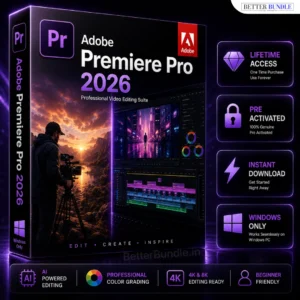
When your project requires traditional timeline-based video editing, Adobe Premiere Pro for PC can be used alongside After Effects. Premiere Pro is suitable for arranging footage and building the main video edit, while After Effects can be used for advanced animation, motion graphics, compositing, and visual effects.
For professional page layouts, brochures, magazines, catalogs, ebooks, and other publishing projects, Adobe InDesign for PC provides dedicated layout and publishing capabilities. It can be useful for designers who work across multiple types of digital and print content.
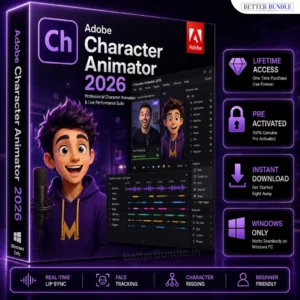
If your projects involve animated characters, Adobe Character Animator can be another useful creative tool. It is designed for character-based animation and can be useful for educational content, presentations, social media videos, storytelling, and character-focused projects.
What Can You Create with After Effects?
After Effects for PC can be used for many types of creative projects. You can create:
- YouTube intros and outros
- Animated logos
- Motion graphics
- Cinematic titles
- Text animations
- Social media videos
- Promotional advertisements
- Explainer video graphics
- Visual effects
- Green screen compositions
- Product presentations
- Music video effects
- Brand animations
- Creative transitions
- Short-form video effects
- Animated presentations
These capabilities make After Effects useful for creators who want more control over the visual presentation of their content.
Who Can Use Adobe After Effects?
Adobe After Effects can be useful for both creative professionals and beginners who want to learn motion graphics and visual effects.
YouTubers can create engaging intros, animated titles, and effects for their videos. Freelancers can create motion graphics and promotional content for clients. Businesses can develop advertisements, product videos, presentations, and branded animations.
Filmmakers and video editors can use compositing and visual effects to enhance scenes, while designers and marketers can create animated promotional graphics for digital campaigns and social media.
Adobe After Effects for PC – Performance Considerations
The performance of After Effects depends on your computer hardware and the complexity of your project. Simple animations may run comfortably on a moderate PC, while high-resolution footage, complex compositions, multiple layers, and advanced effects may require more powerful hardware.
Using an SSD, sufficient RAM, and a capable processor can improve overall project loading and workflow performance. For larger projects, additional RAM and compatible graphics hardware can also be beneficial.
System Requirements
Before installing the software, make sure your computer meets the appropriate hardware and operating system requirements.
Minimum Requirements
- Windows PC
- Multi-core processor
- 8 GB RAM
- Sufficient free storage
- Compatible graphics hardware
- Internet connection when required
Recommended Requirements
- Modern Intel or AMD processor
- 16 GB RAM or higher
- SSD storage
- Compatible dedicated graphics processor
- Full HD or higher-resolution display
- Updated Windows environment
For complex motion graphics, high-resolution projects, and advanced visual effects, a more powerful configuration is recommended for a smoother workflow.
Why Buy from Better Bundle?
When purchasing a digital product, a simple ordering process and responsive customer support can make the experience easier. Better Bundle provides digital products with fast delivery and customer assistance.
✔ Instant Digital Delivery
✔ Secure & Trusted Purchase
✔ Affordable Pricing
✔ Easy Setup Guidance
✔ Dedicated WhatsApp Support
✔ Customer Assistance
The Better Bundle collection also includes creative software for photo editing, graphic design, video editing, publishing, and animation, allowing creators to choose tools according to their individual workflow.
Frequently Asked Questions
What is Adobe After Effects used for?
Adobe After Effects is mainly used for motion graphics, animation, visual effects, compositing, animated titles, transitions, and other advanced visual content.
Is Adobe After Effects available for PC?
Yes. After Effects is available for compatible Windows PCs and is commonly used for motion graphics, animation, and visual effects projects.
Can I use After Effects for YouTube?
Yes. You can create YouTube intros, animated titles, motion graphics, transitions, visual effects, and other creative elements for your videos.
Is After Effects good for beginners?
Beginners can start with basic keyframes, text animation, simple effects, and transitions and gradually progress toward more advanced motion graphics and compositing.
Is Adobe After Effects a video editing software?
After Effects primarily focuses on motion graphics, visual effects, animation, and compositing. For traditional timeline-based video editing, Premiere Pro is generally more suitable.
What is Adobe After Effects price?
Pricing may vary depending on the official licensing or subscription plan. Before purchasing, review the current offer, licensing terms, and included features.
Who should use Adobe After Effects?
It can be useful for YouTubers, video editors, filmmakers, freelancers, designers, marketers, animators, agencies, and content creators who need advanced motion graphics and visual effects tools.


Aditya Saxena –
After Effects ka performance kaafi smooth hai. Motion graphics aur animation projects ke liye really useful software.
Iqra Malik –
Installation process easy tha aur software properly run ho raha hai. Visual effects create karna ab much easier hai.
Kartik Rajput –
Professional video effects ke liye excellent choice. Animation aur compositing tools are amazing.
Hamza Farooq –
Bohat acha experience raha. Motion graphics aur text animation smoothly create ho jati hai.
Riya Sethi –
I use After Effects for YouTube projects and the results are impressive. Workflow bhi kaafi smooth hai.
Daniyal Khan –
Software properly work kar raha hai aur rendering performance bhi good hai. Totally satisfied.
Shreya Pandey –
Video editing ke saath advanced effects add karne ke liye perfect tool. Really happy with the purchase.
Talha Ahmed –
Amazing software for motion graphics. Animations banana aur customize karna kaafi easy hai.
Nikhil Bansal –
Professional projects ke liye kaafi powerful hai. Windows PC par performance excellent mil rahi hai.
Esha Kapoor –
After Effects ke advanced tools kaafi impressive hain. Visual effects aur animations look very professional.