




Adobe Lightroom Classic for PC (2026) – Professional Photo Editing Software
Original price was: ₹7,999.00.₹399.00Current price is: ₹399.00.
Adobe Lightroom Classic for PC is a professional photo editing and photo management solution for photographers and creators. Edit RAW images, enhance colors, adjust lighting, apply presets, organize your photo library and create polished photos with powerful editing tools.
✔ Instant Digital Delivery
✔ Easy Installation
✔ Lifetime Access
✔ Works on Windows 10 & 11
✔ Professional Photo Editing
✔ Advanced RAW Image Processing
✔ Powerful Color & Light Adjustments
✔ Presets & Batch Editing
✔ Photo Organization & Management
✔ Full Installation Support
📞 Need help or facing any issue? Our support team is available on WhatsApp: +91 6394927894 for quick and reliable assistance.
Adobe Lightroom Classic for PC (2026) – Professional Photo Editing Software
Adobe Lightroom Classic is a powerful desktop photo editing and management solution designed for photographers, content creators, and professionals who want better control over their images. It provides an efficient workflow for editing RAW photographs, improving colors, adjusting lighting, organizing photo collections, and creating polished images for personal or professional use.
Whether you are editing wedding photographs, travel images, portraits, product photos, or social media content, Lightroom Classic gives you detailed editing controls without making the workflow unnecessarily complicated. It is especially useful for users who regularly work with large numbers of photographs on a Windows PC.
Powerful Photo Editing Tools
With Lightroom for PC, you can make detailed adjustments to exposure, contrast, highlights, shadows, white balance, texture, clarity, saturation, and more. These controls allow you to correct common photography issues and create a consistent visual style across your images.
The software is also well suited for RAW photography. You can process RAW files and fine-tune important image characteristics while maintaining flexibility during the editing process. This makes it useful for both professional photographers and creators who want more control than basic photo editing applications provide.
Presets, Batch Editing & Photo Organization
Lightroom Classic can make repetitive editing tasks much easier through presets and batch-oriented workflows. You can apply a preferred editing style to multiple images and then make individual adjustments where necessary. This can save time when processing photographs from events, photoshoots, weddings, or travel sessions.
Along with editing, the software provides tools for managing and organizing your photo library. When you have hundreds or thousands of images, a structured workflow can make it easier to locate and work with the photographs you need.
Why Choose Lightroom Classic?
If you are looking for Adobe Lightroom for PC, Lightroom Classic offers a professional desktop-focused workflow with powerful editing and organization features. It is suitable for photographers, freelancers, agencies, content creators, and anyone who regularly works with digital photographs.
You can also combine Lightroom with other creative applications depending on your workflow. For advanced image manipulation and creative compositions, Adobe Photoshop can complement your photography workflow, while Adobe Illustrator is useful for vector-based graphics and design projects.
How It Works
Getting started is simple:
- Place Your Order – Select the Lightroom Classic product and complete your purchase through Better Bundle.
- Receive Product Details – After successful payment, the required digital delivery information and setup instructions are provided.
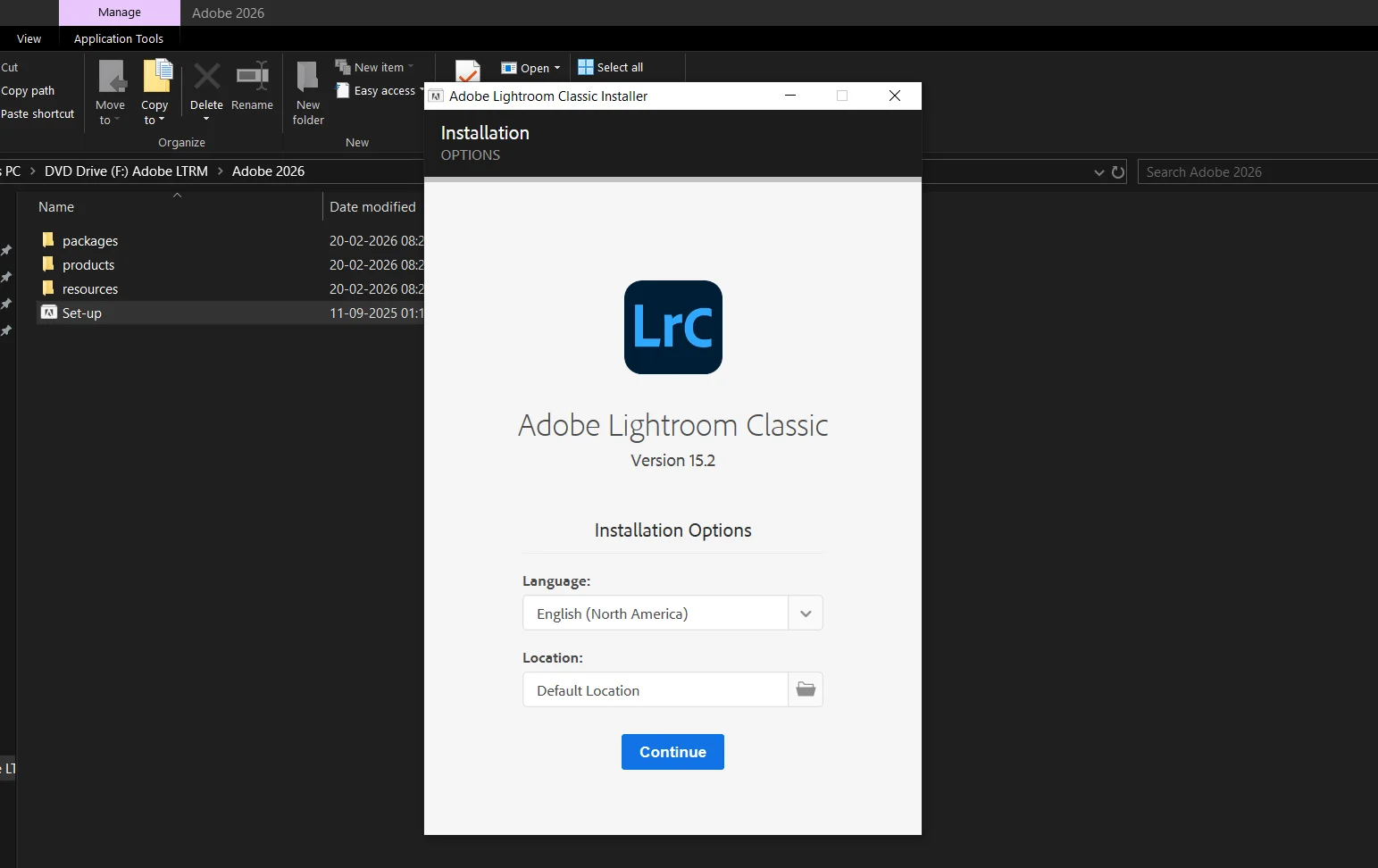
- Download & Install – Follow the supplied instructions to install the compatible software on your Windows PC.
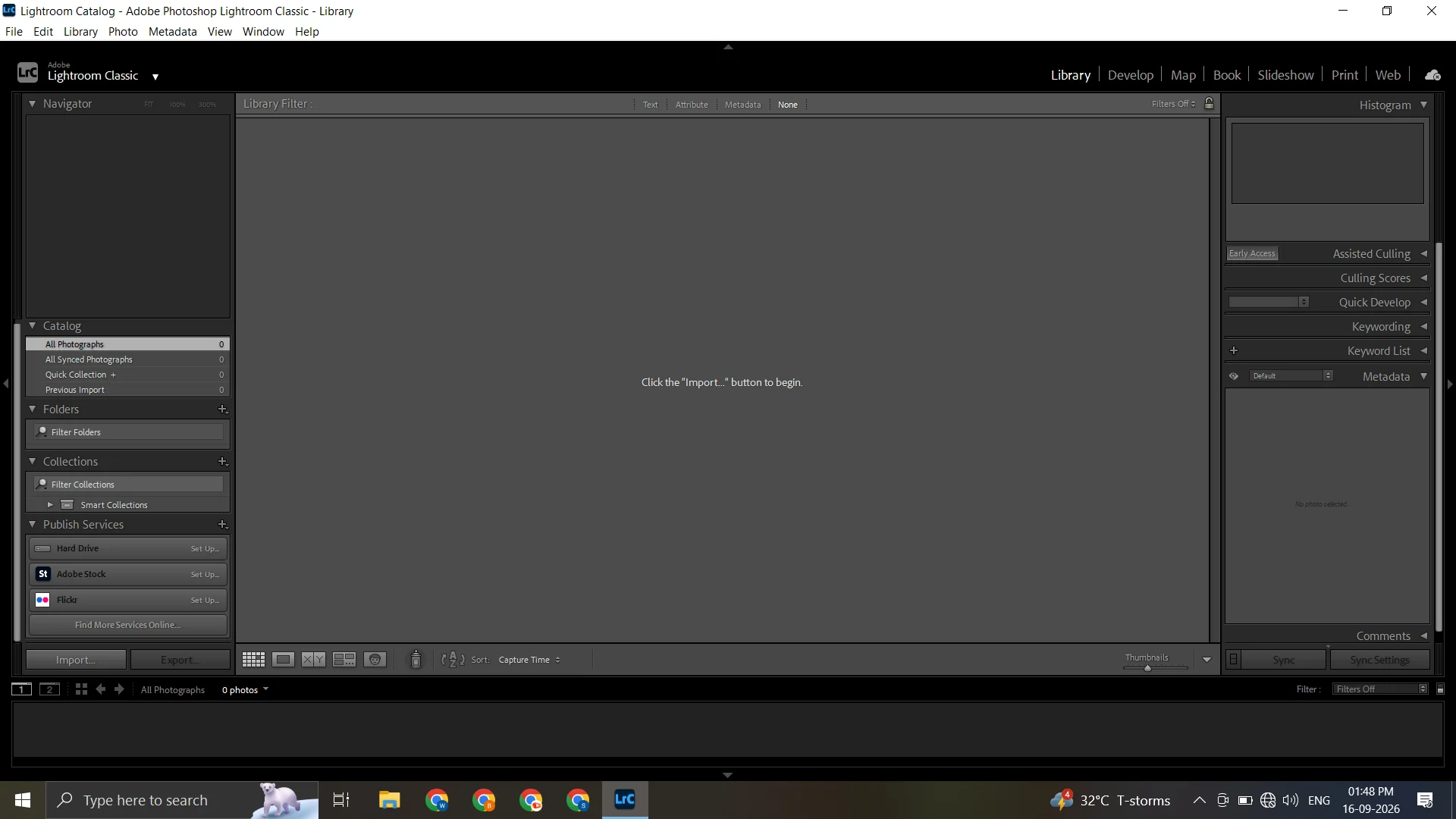
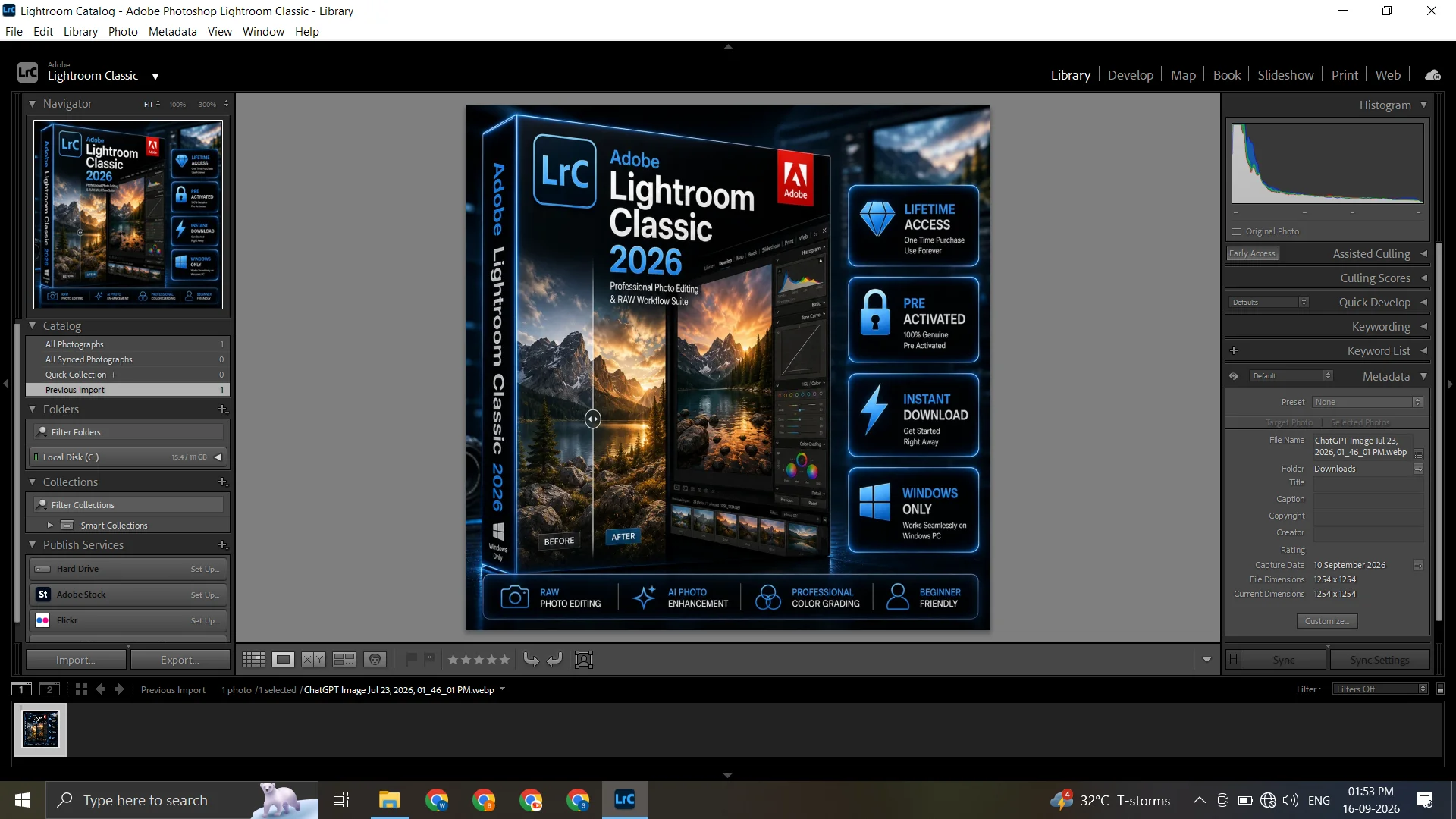
- Start Editing – Open Lightroom Classic, import your photographs, and begin editing, organizing, and managing your photo library.
- Need Help? – If you experience installation or setup difficulties, contact the available support team for assistance.
If you also work with video content, you can explore Adobe Premiere Pro for PC for professional video editing. For publishing and page-layout projects, Adobe InDesign for PC can complement your creative toolkit.
System Requirements
Before installing the software, make sure your computer meets the requirements for the specific version you are purchasing. As a general baseline, you should have:
- Operating System: Windows 10 (64-bit) or later
- Processor: Intel® or AMD processor with 64-bit support
- RAM: 8 GB minimum
- Hard Disk: 10 GB available space
- Graphics: GPU with DirectX 12 support
- Display: 1024 × 768 resolution or higher
For the most accurate compatibility information, check the requirements applicable to your particular Lightroom Classic version before installation.
Frequently Asked Questions
What is Adobe Lightroom Classic used for?
Lightroom Classic is primarily used for professional photo editing, RAW image processing, photo organization, color correction, presets, and managing large photography collections.
Can I use Lightroom Classic on Windows PC?
Yes, Lightroom Classic is designed for compatible desktop systems, including supported Windows PCs. Always check the version-specific requirements before installation.
Is Lightroom Classic suitable for RAW editing?
Yes. RAW processing is one of its key capabilities, allowing photographers to make detailed adjustments to exposure, colors, highlights, shadows, and other image properties.
Can I edit multiple photos?
Yes. Presets and batch-oriented workflows can help you apply consistent adjustments across multiple photographs, making large editing projects more efficient.
Can beginners use Lightroom Classic?
Yes. While it includes advanced professional tools, beginners can start with basic adjustments and gradually learn more advanced features as their editing skills improve.
Get Adobe Lightroom Classic for PC
If you need a reliable desktop workflow for editing, organizing, and improving your photographs, Adobe Lightroom Classic provides a comprehensive set of tools for modern photography. From RAW processing and detailed color adjustments to presets and photo management, it can help streamline your entire editing workflow.











Reviews
There are no reviews yet.